Build the Claude setup that knows your business, sounds like you + starts taking real work off your plate.
In one weekend, install the Skills, Projects, context, connections + workflows that make Claude dramatically more useful every time you open it.
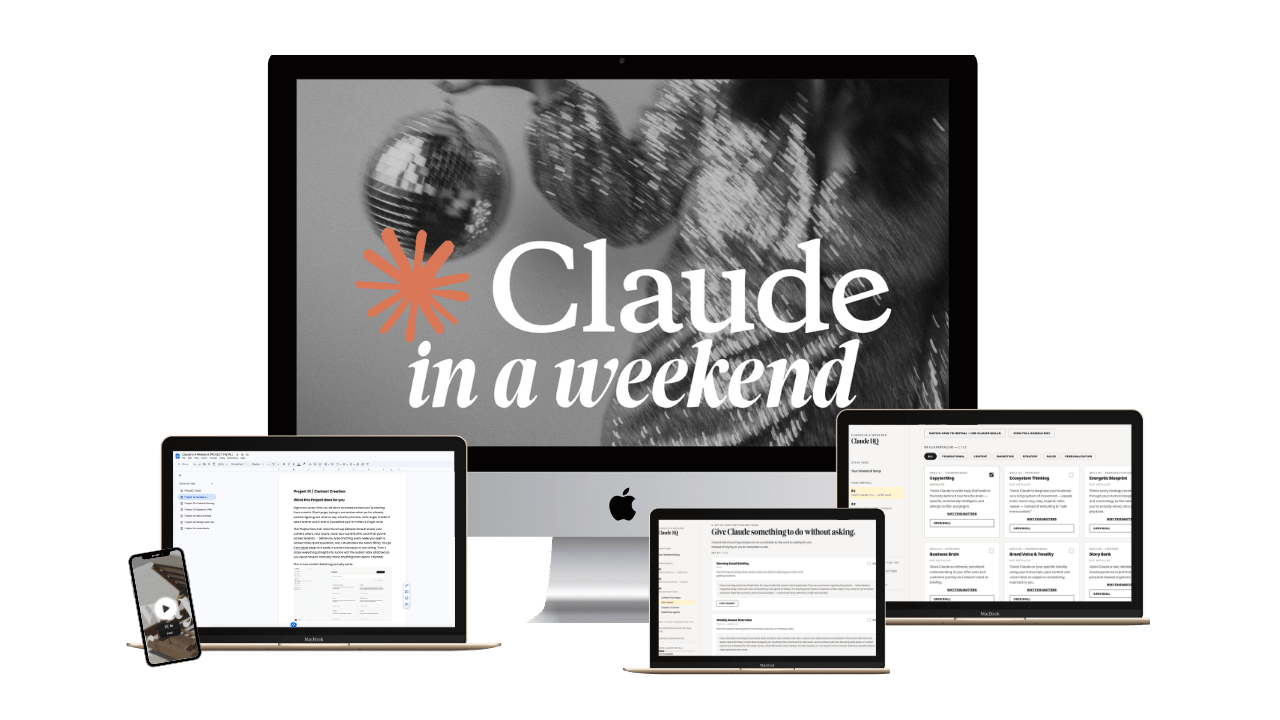
Meet Claude HQ.
I rebuilt Claude in a Weekend so you have one interactive place to actually install the whole system. Claude HQ walks you through the Skills, Projects, context, connections, Cowork, Chrome, agents and ongoing workflows in the order they should be set up.
You can track your install, open the Skills directly, see where to click, jump to the exact tutorial when you need it, and come back later to keep the system updated.
You know Claude can do more than what you're currently using it for.
Maybe you already use it to write emails, think through an offer, plan content, or get yourself unstuck. And sometimes it is freakishly useful.
Other times you spend half the conversation explaining the business, correcting the tone, pasting in information it should already know, or trying to remember which new Claude feature you saw somebody talking about.
Most entrepreneurs have never actually set it up to work together.

Every time Claude is missing context, you end up doing part of the work twice.
Ten minutes here. Twenty minutes there. It adds up fast for a tool that was supposed to give you time back.
Claude gets a lot more useful when you set it up around the way you work.
Claude in a Weekend gives you the install: the Skills, Projects, business context, connections + workflows that make Claude dramatically more useful. Claude HQ walks you through the whole thing.
Get Claude in a Weekend →By the end of the weekend, you'll be using Claude at a level most entrepreneurs never get to.
Skills installed. Projects built. Context loaded. Tools connected. Cowork, Chrome and agents mapped out — all working together.
I already did the legwork. Your job is to go through it and install it.

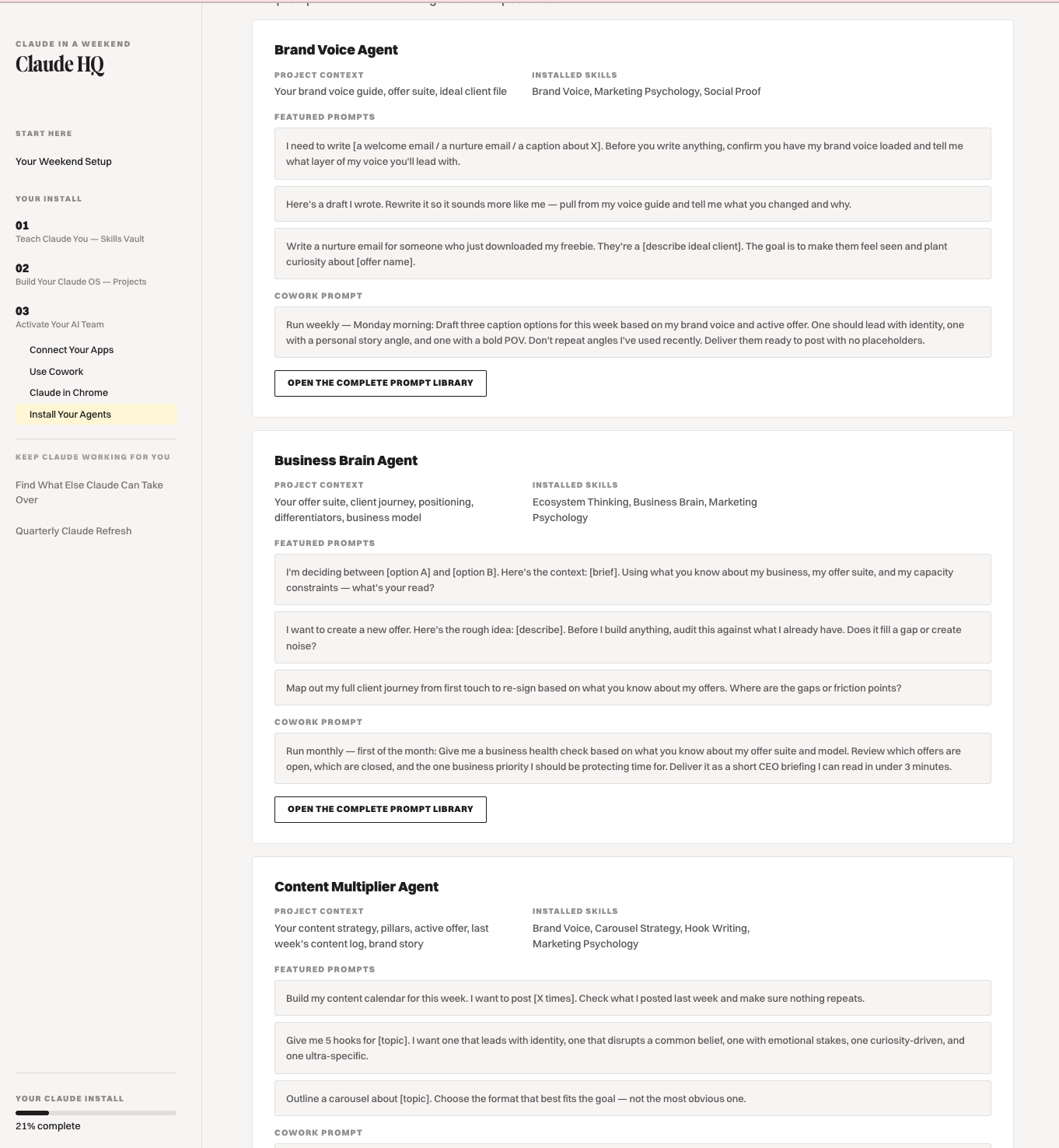
You do the installing.
Here's what you're actually setting up this weekend.
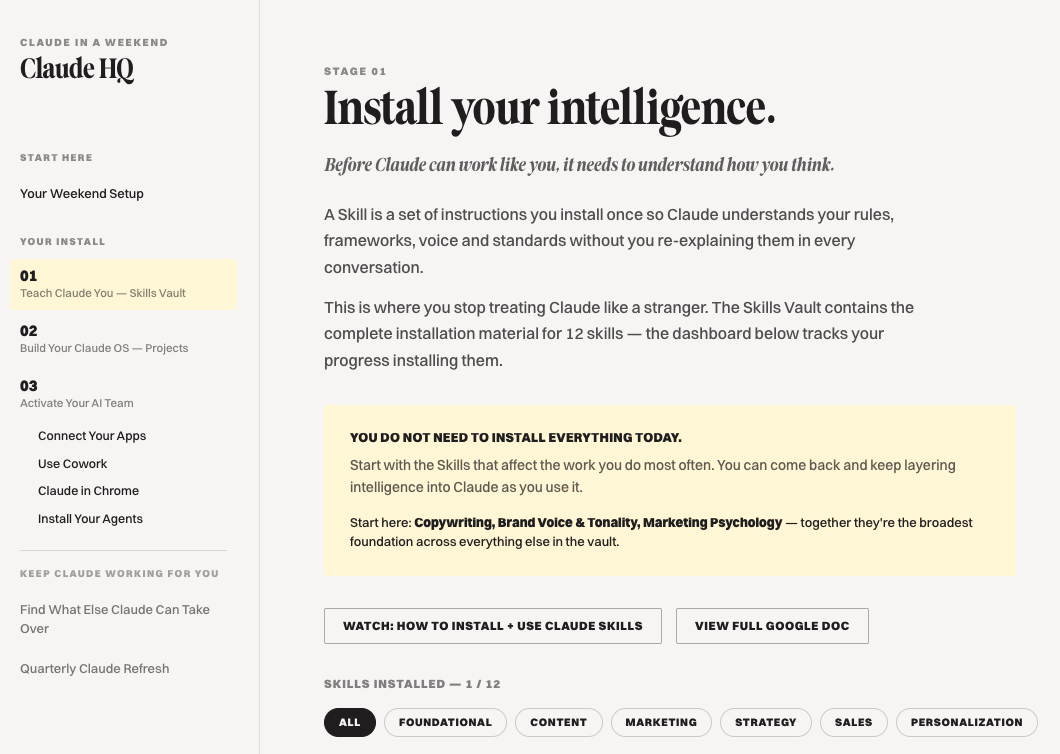
Teach Claude how you think.
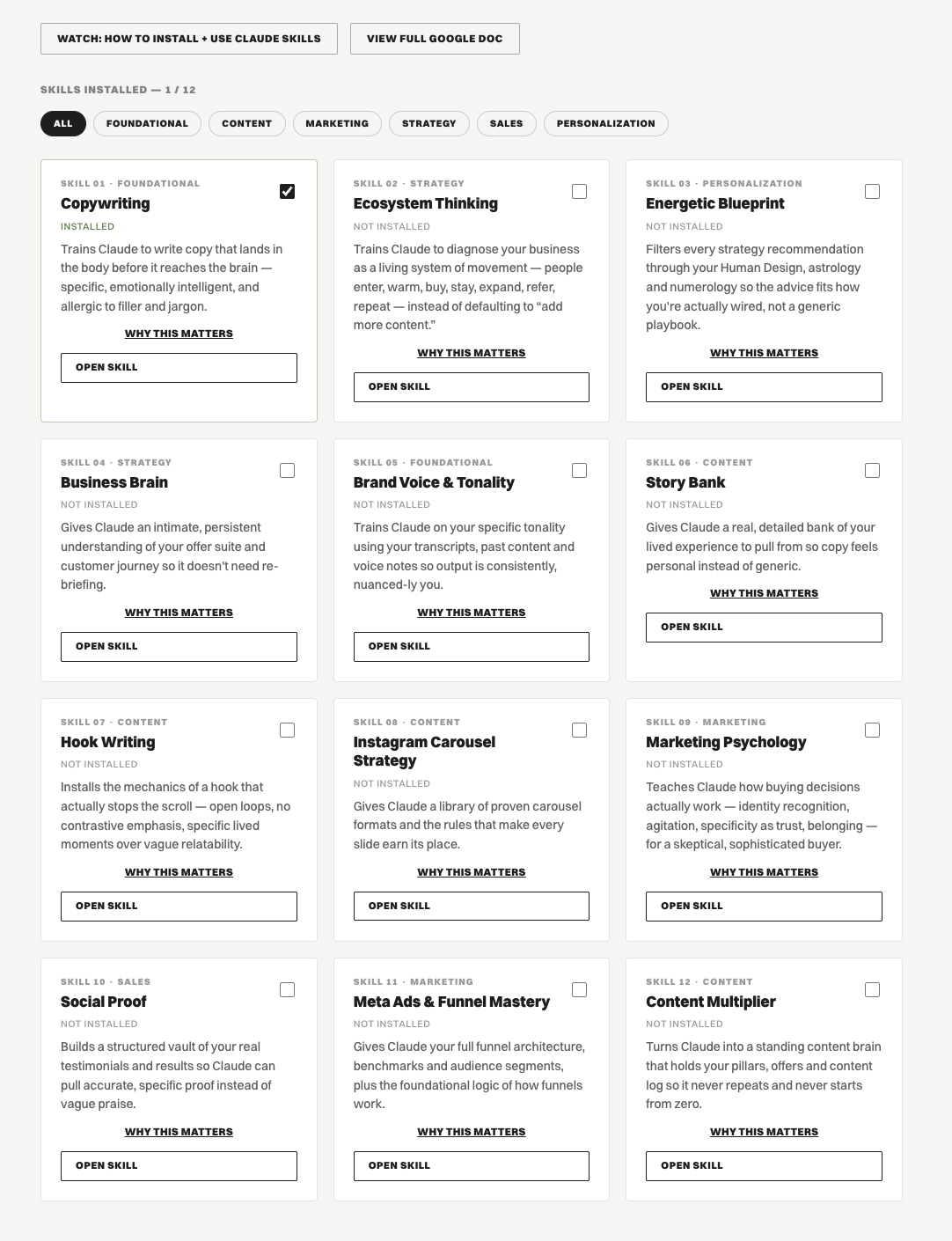
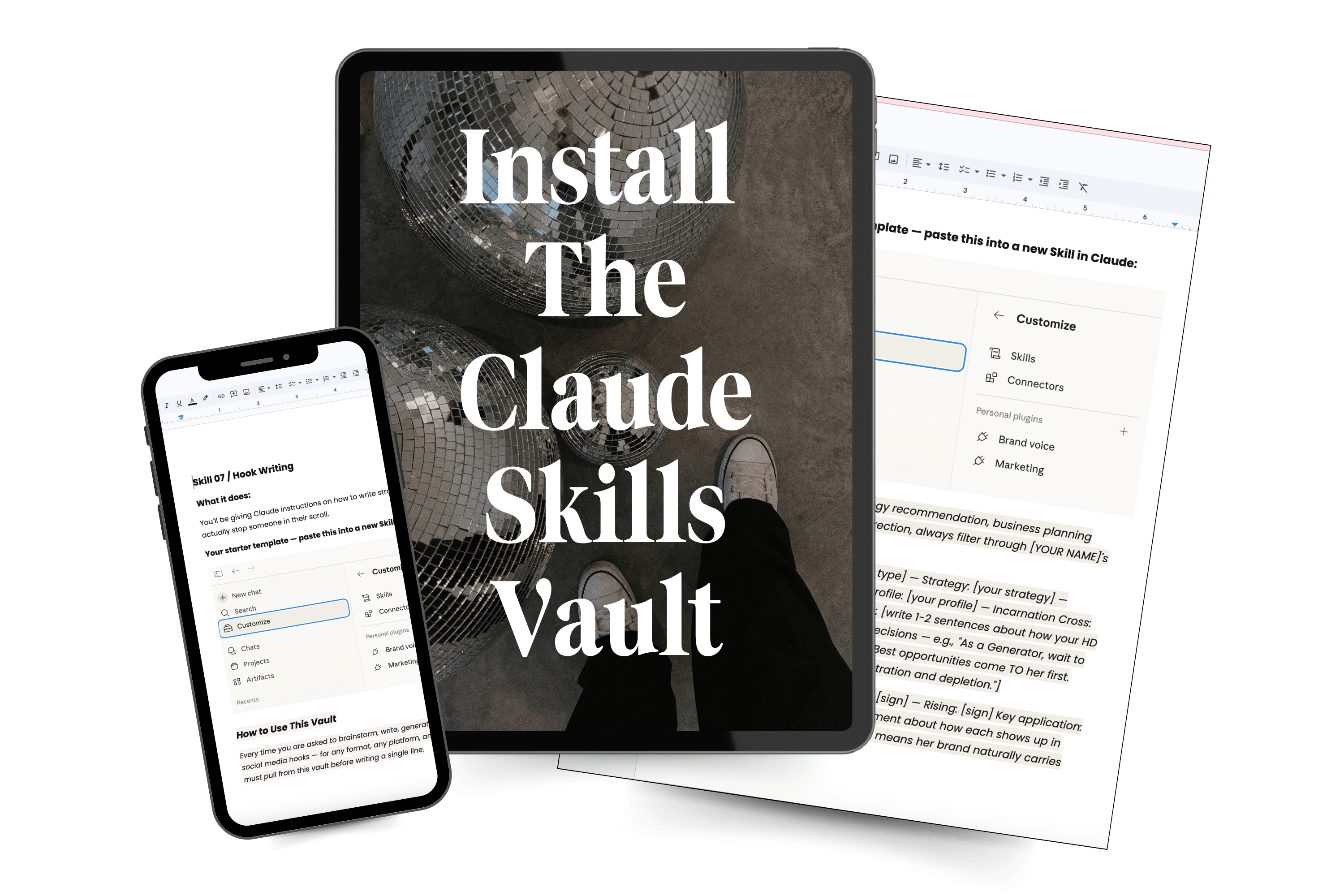
Install the reusable instructions that make Claude feel much less generic — your voice, business, marketing and decision-making — and exactly where to install them.
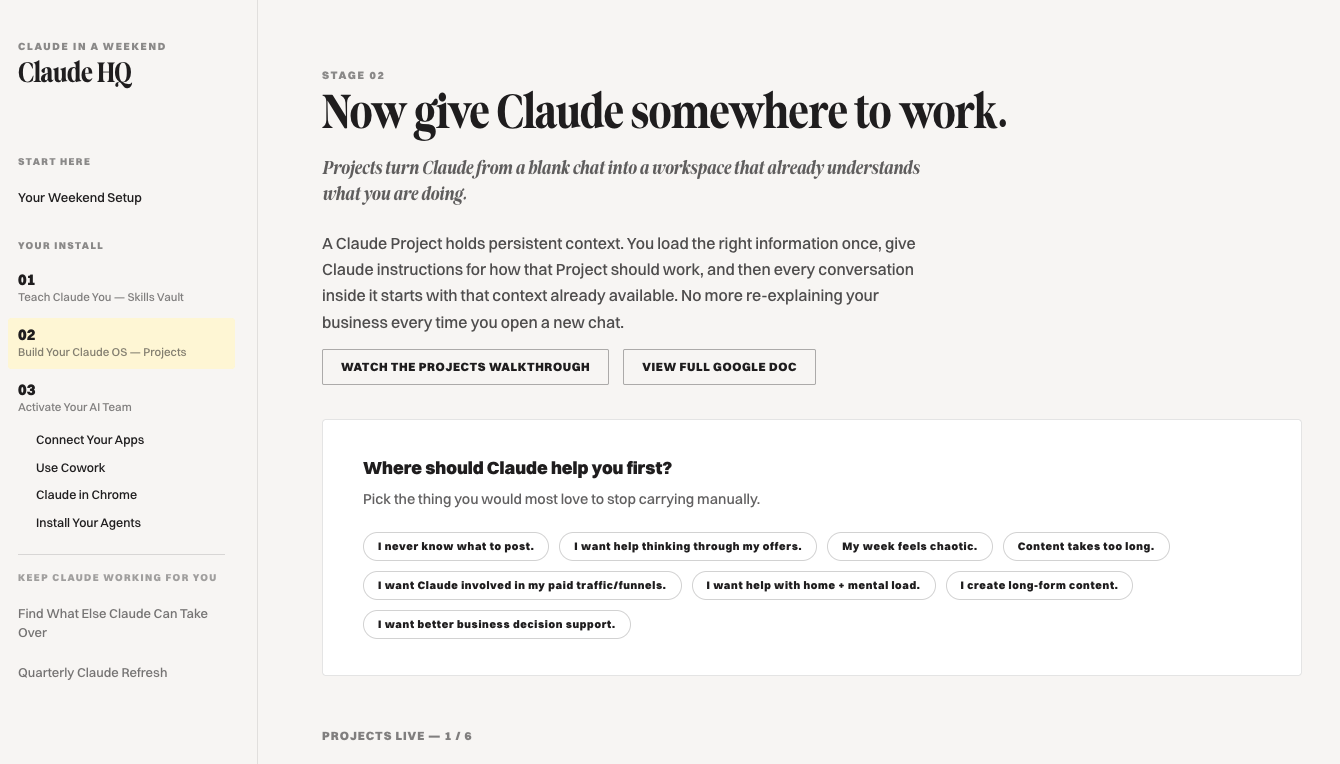
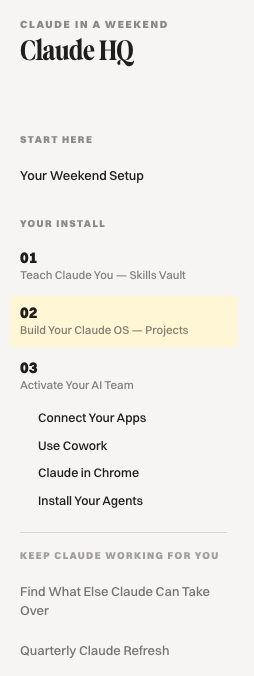
Build your Claude OS.
The parts of your business you revisit constantly deserve somewhere to live — offers, content, customer research, strategy. Decide what becomes a Project and what context it needs.
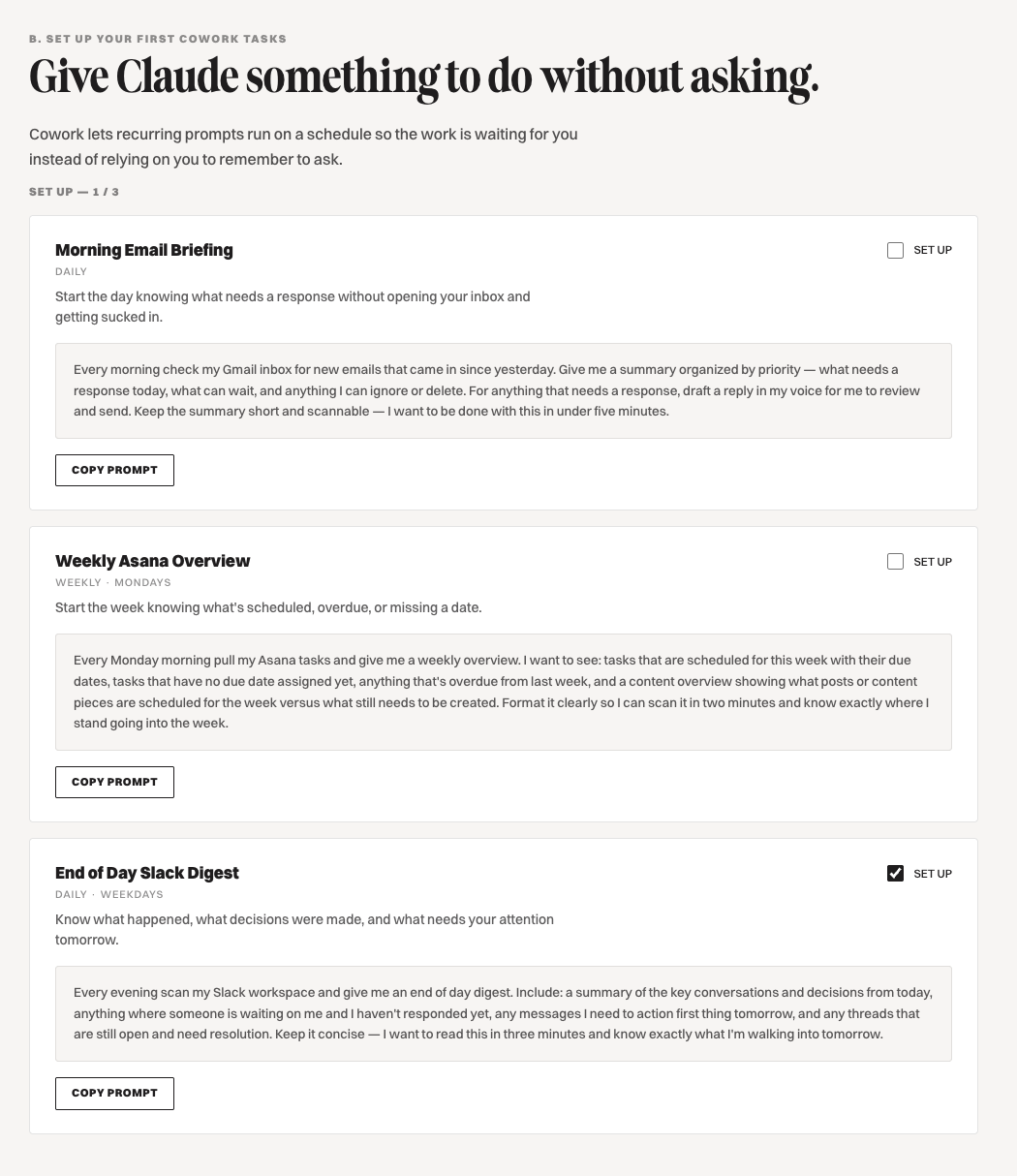
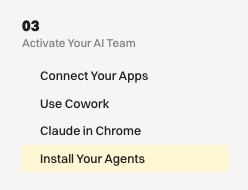
Connect Claude to more of the work.
Walk through app connections, Cowork, Claude in Chrome, agents and recurring workflows so you understand what each one does and where it could actually save you time.
By this point, your Claude setup is built. Now you can start deciding what to hand over.
Get Claude in a Weekend →Then Claude HQ helps you figure out what to hand over next.
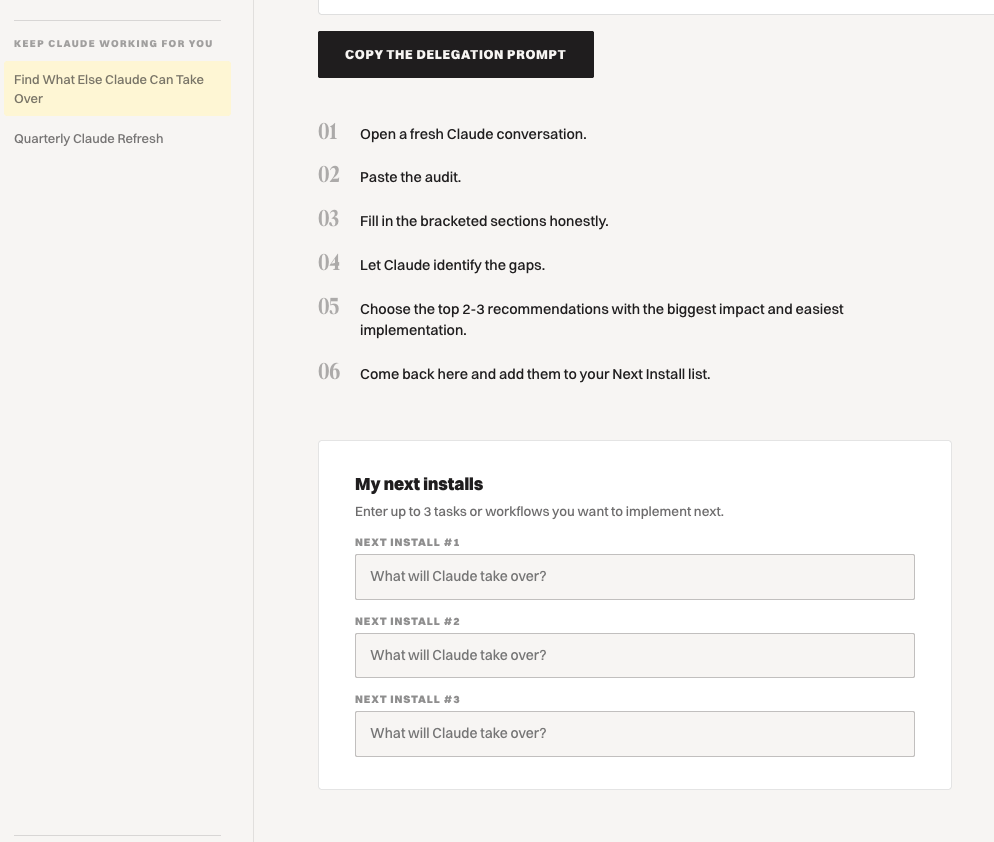
One of my favorite workflows inside HQ has you look at the work you're actually doing and ask Claude where it could be more useful — surfacing recurring tasks, browser work, and things you're already spending time on that Claude may be capable of helping with. Then it gives you a prioritized place to start.
Because once the setup is there, you start noticing all the little things you've somehow just accepted as your job.
Everything you need to install it + keep it useful.
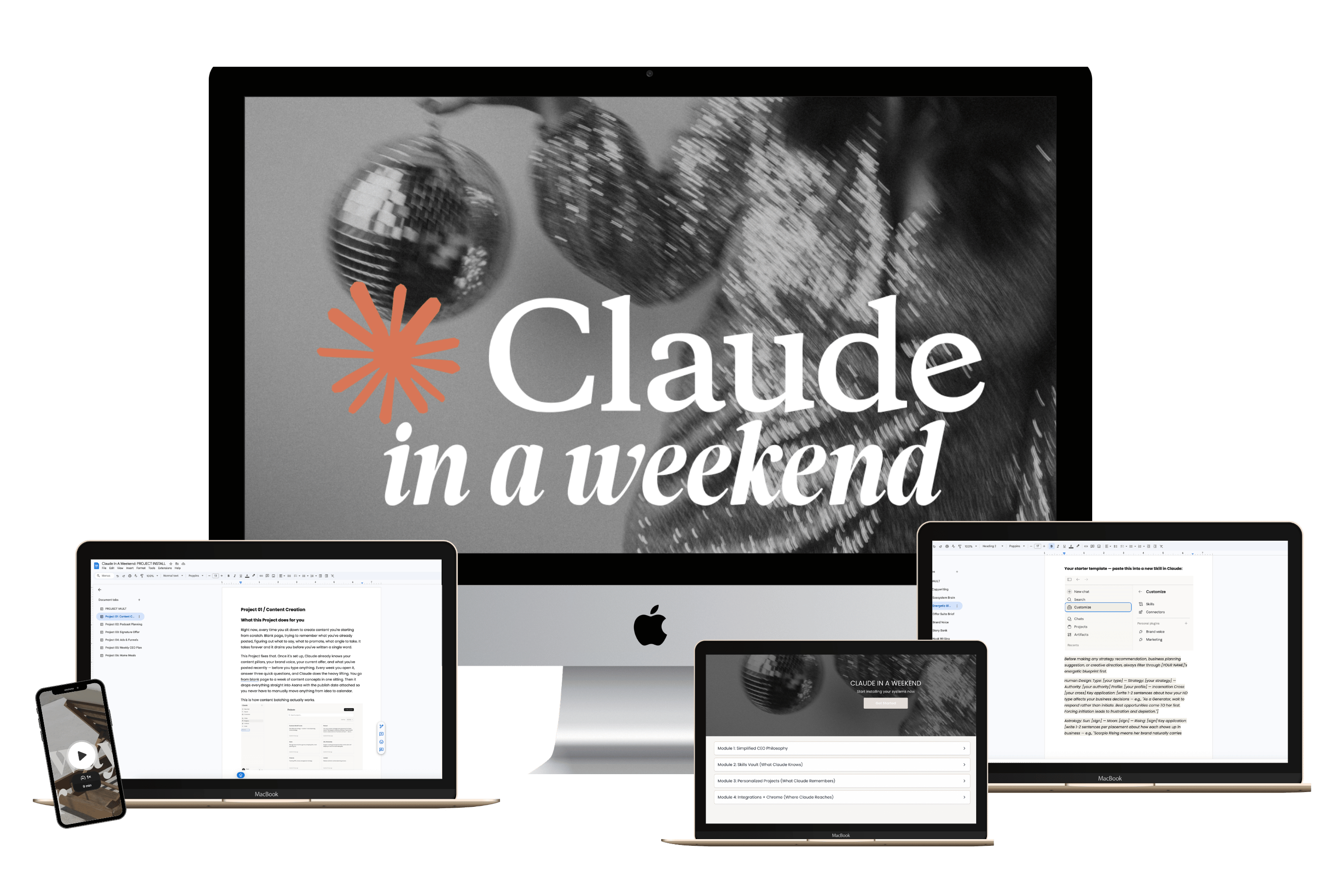
Claude HQ, the Skills Vault and the Project Install Guide — the foundation of the system.
The Cowork + App Integrations Guide, step-by-step screenshots, 3 tutorial walkthroughs and the complete reference guides.
Find What Claude Can Take Over, plus a Quarterly Claude Refresh to revisit your setup as your business changes.

I use Claude because I want AI to help me work less.
I have zero interest in making AI another full-time hobby. I want it to help me run a business with fewer hours attached to it.
I've used Claude across content, copy, offers, funnels, ads, planning, digital products and the invisible pile of life admin that somehow exists alongside all of that.
Claude in a Weekend is the setup I wish somebody had handed me at the beginning. I'm giving you the Skills, the structure, the tutorials and the interactive HQ so you can install it without spending months figuring out where everything belongs.

Frequently wondered questions
Do I need a paid Claude account?
Yes — you'll need the Claude Pro plan at $20/month to access Skills and Projects, which is where the majority of this course lives. If you're not on it yet, it's the first thing to set up before you dive in. Everything we build together requires it and honestly, after this weekend you'll wonder how you ever ran your business without it.
How long will it really take me to get through the content & implement everything?
Seriously, just a weekend. If you're super ambitious and focused, you can get through it all in one sitting. I've done the heavy lifting for you, you just need to personalize and install.
Do I need to be tech savy?
No. And that's kind of the whole point. If you were trying to figure all of this out on your own — yes, you'd need to be pretty resourceful with tech. This course exists so you don't have to do that. I'm showing you exactly what to do, in order, inside my actual accounts. You follow along, copy the assets, and implement as you go. If you've ever set up anything online before, you have everything you need.
What's your refund policy?
All sales are final.